 BrownBearAI
Every photo
is a memory.
Thousands of them sit in your phone, buried and rarely seen. BrownBearAI gives your memories the attention they deserve.
- Free
- No ads
- No subscription
- Stays on your iPhone
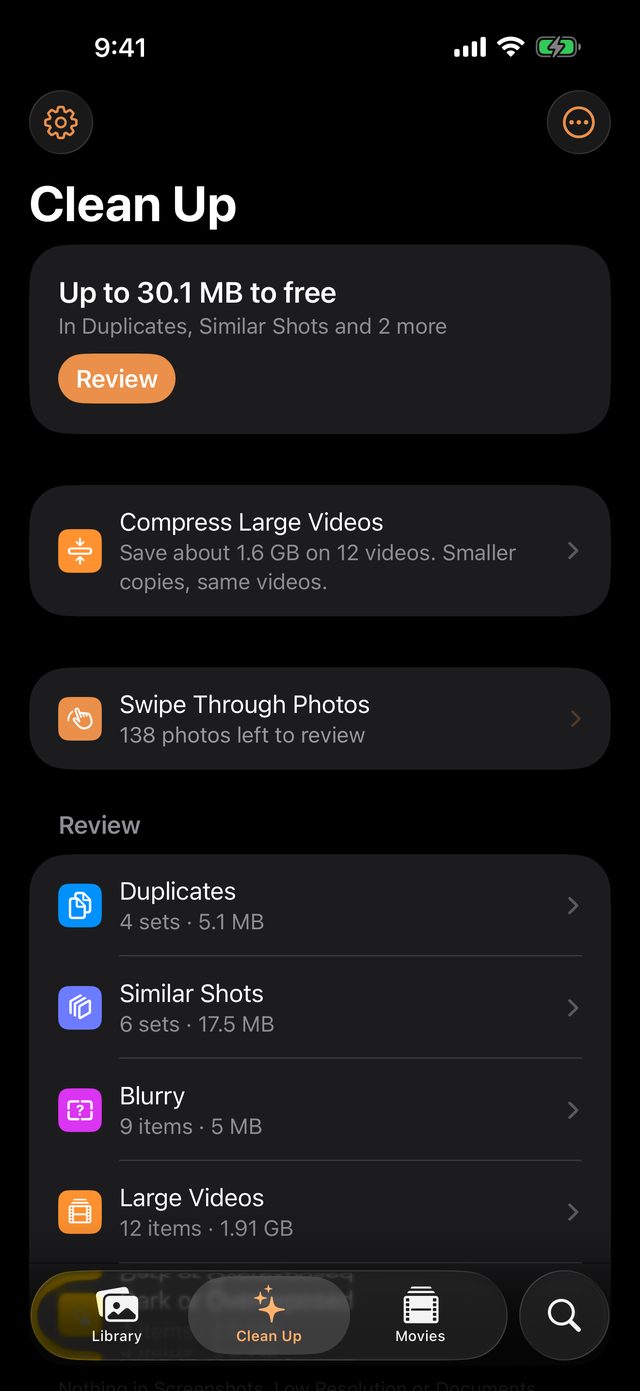
We look after them, the way they deserve.
Keep the best of every moment
The sharpest of ten near-identical shots is kept. Duplicates, blurry photos and big videos stop burying the ones that matter.
Bring them back to life
An album becomes a movie set to music, so memories are watched and shared, not just stored.
Only you see them
Everything happens on your iPhone. No account, no server, no ads, and it's free.
So the best ones aren't lost among the rest.
One scan sorts what buries your memories into piles and says how much space each would free. You look, you decide, and every delete goes through Photos.
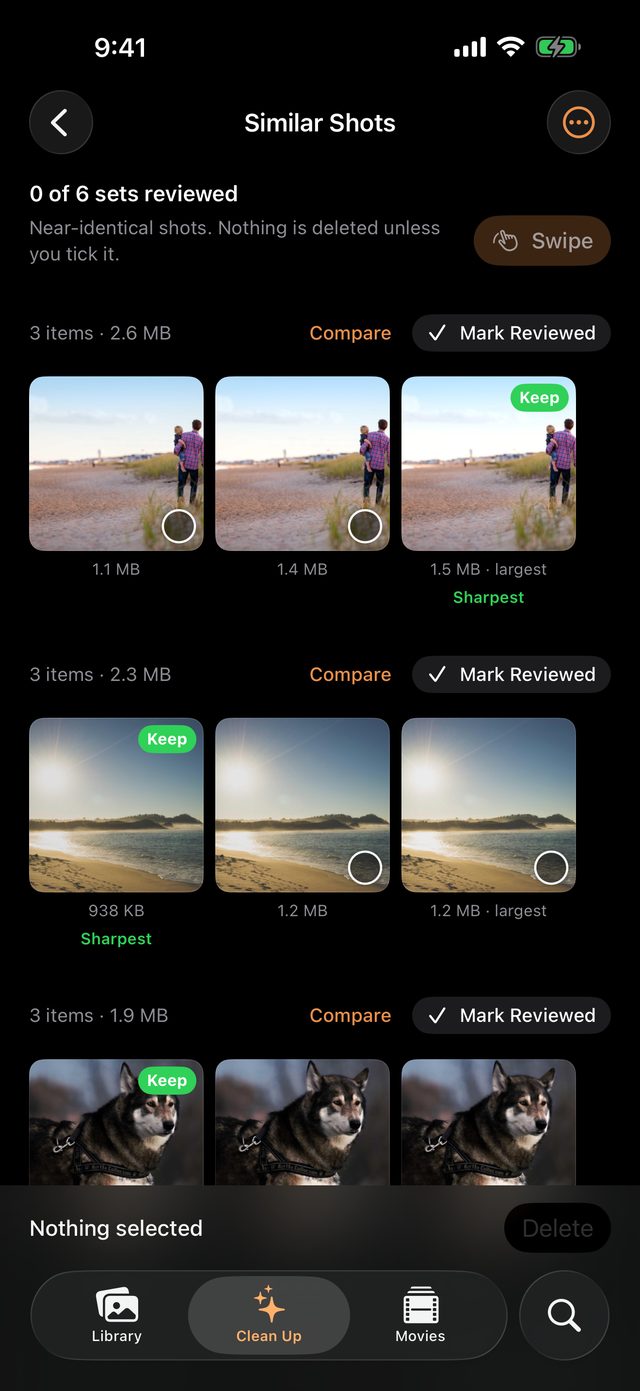
Keeps your best shot
Ten photos of the same sunset? The sharpest is marked to keep. Change your mind, then clear the rest.
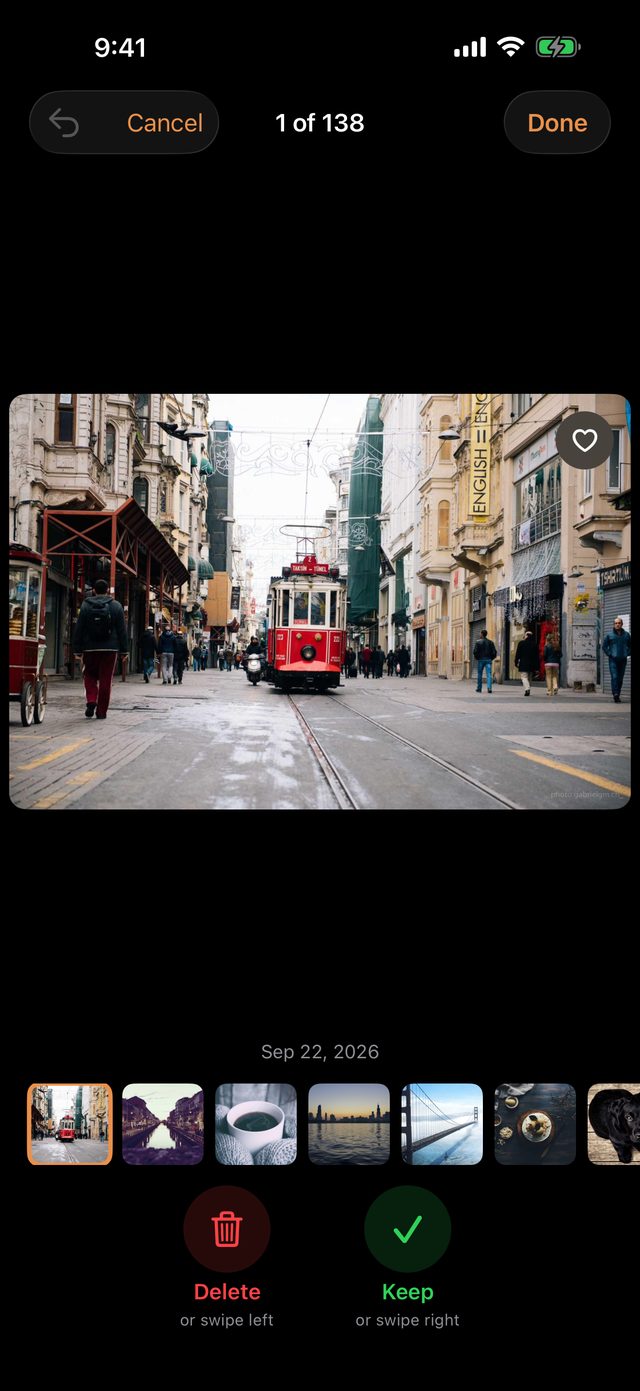
Swipe to keep or let go
Right to keep, left to let go. Stop any time and pick up where you left off.
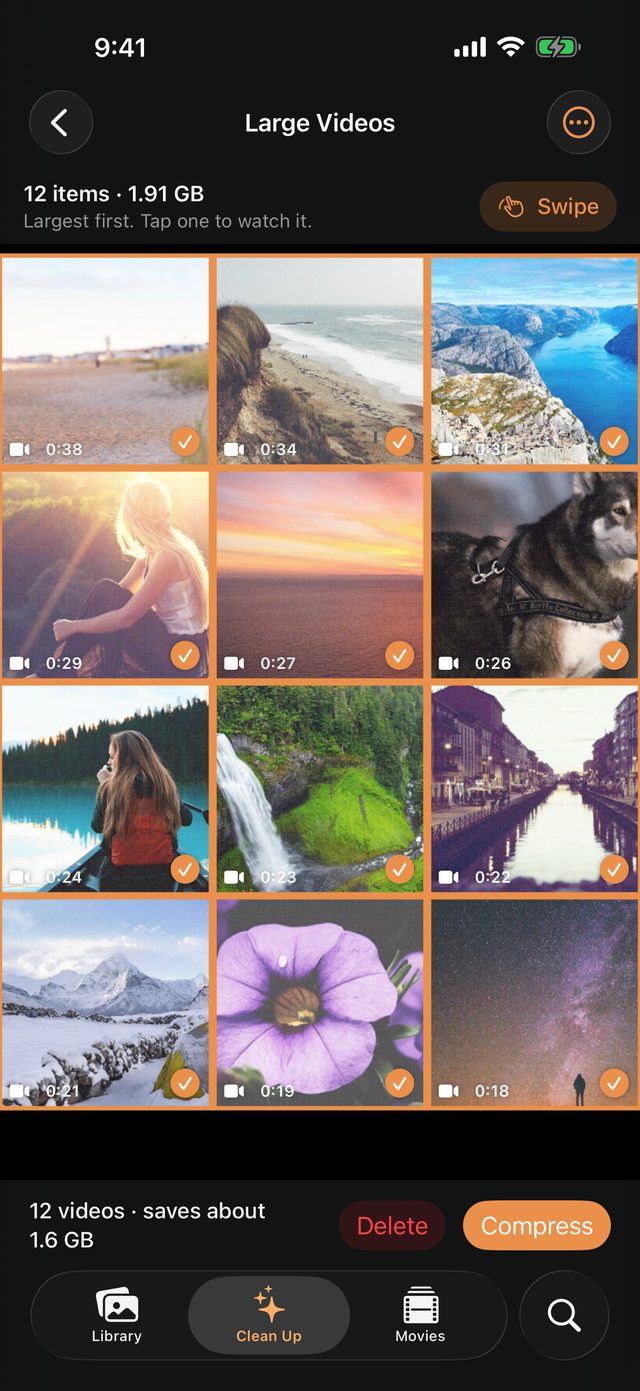
Big videos, a fraction of the space
A 1080p copy that looks sharp on your phone. Date, place, albums and Favorite come with it.
Memories are for watching.
Pick an album and BrownBearAI makes a movie of its best photos: no duplicates or blurry shots, gentle motion on every photo.
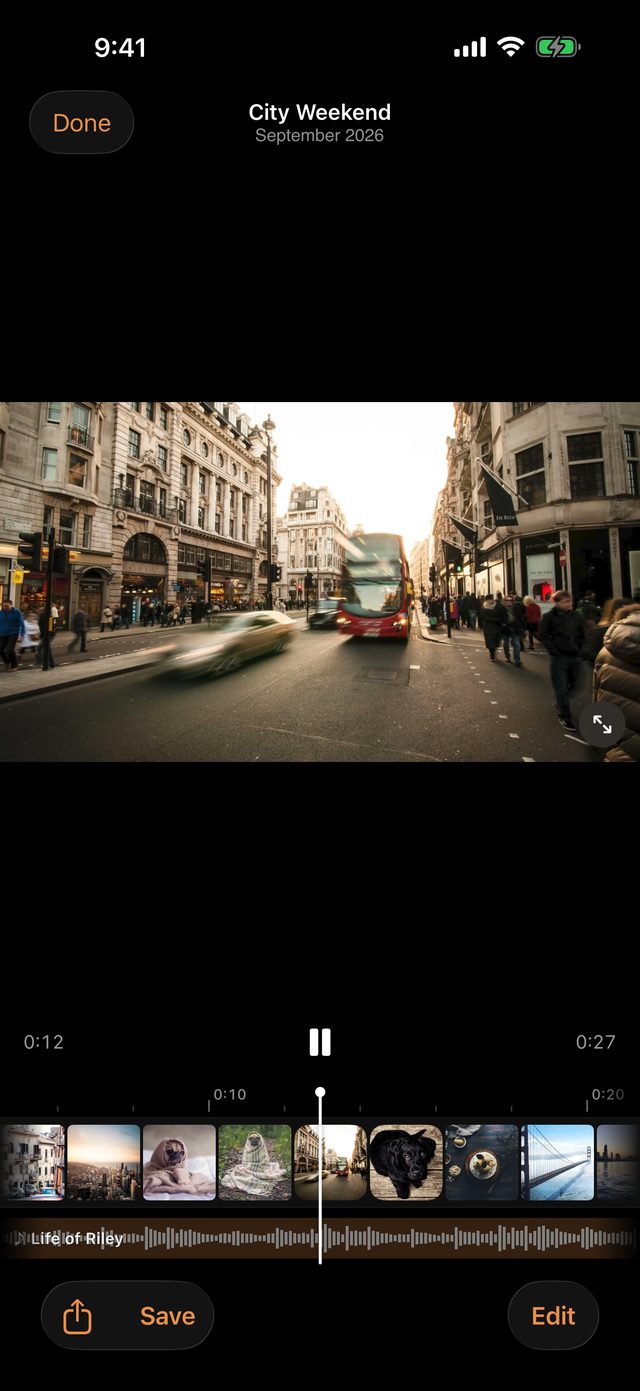
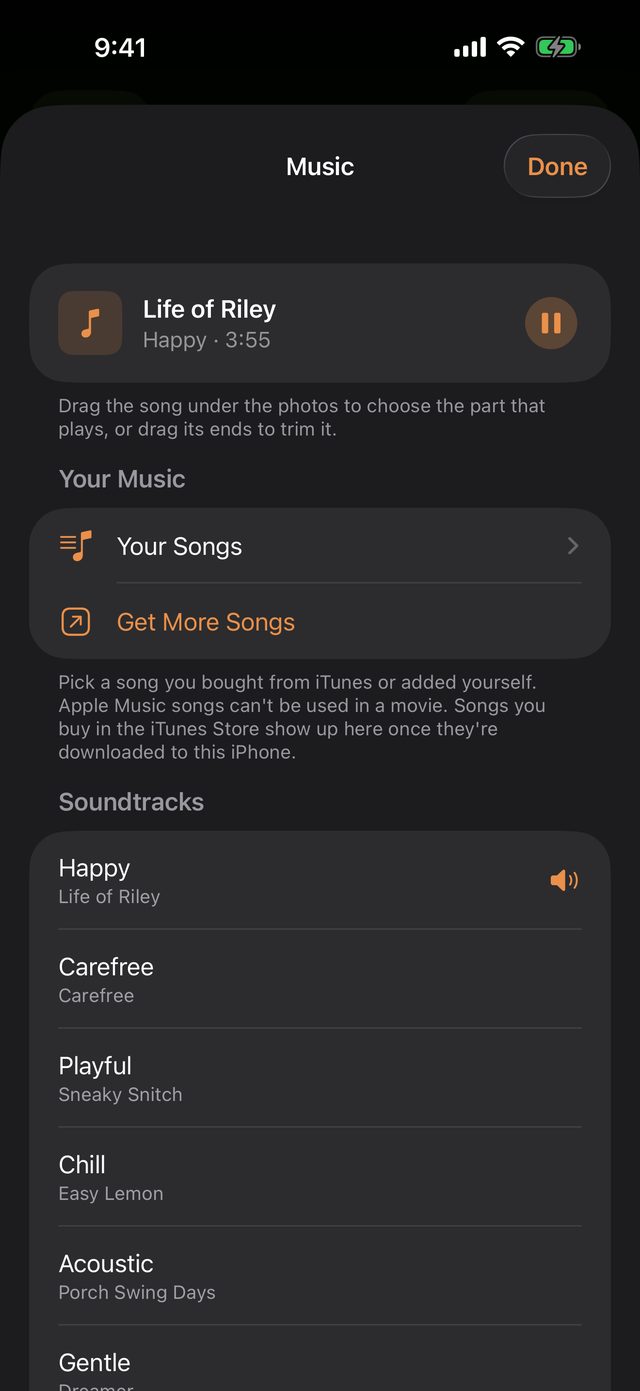
Set to music
Ten soundtracks come with the app, or use a song you bought in iTunes.
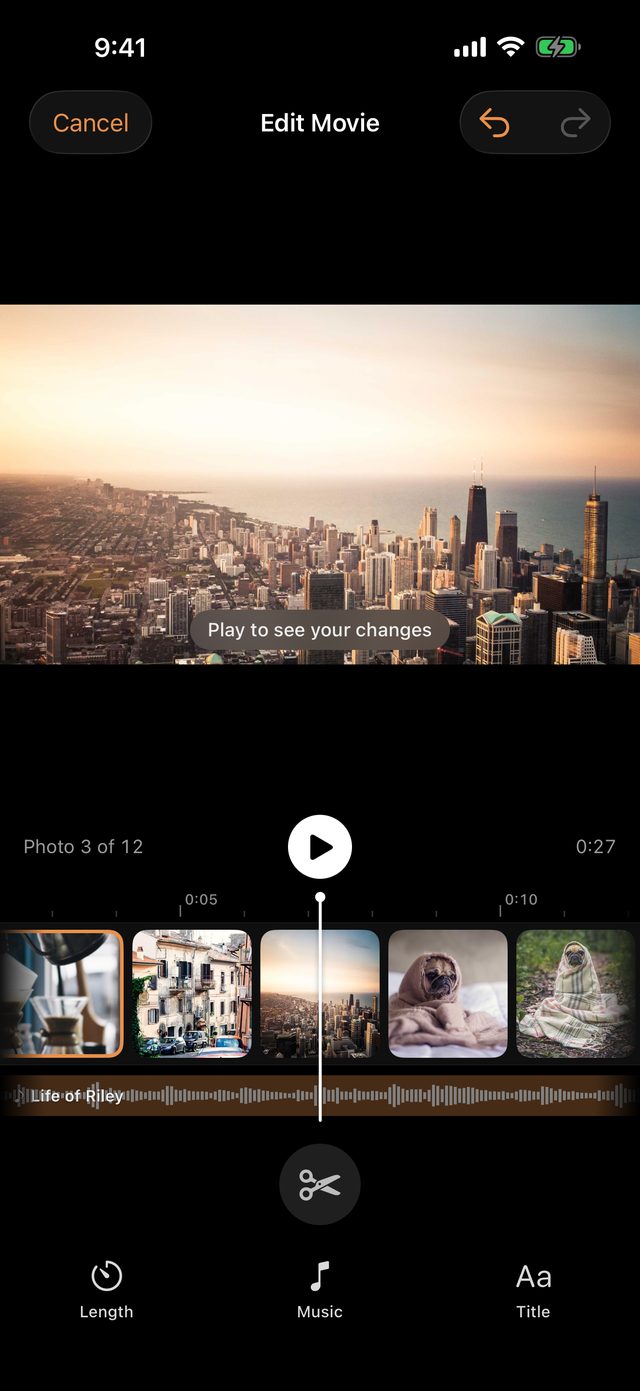
Make it yours
Reorder photos, cut the ones you don't want, choose how each one moves.
Every moment, where you can find it.
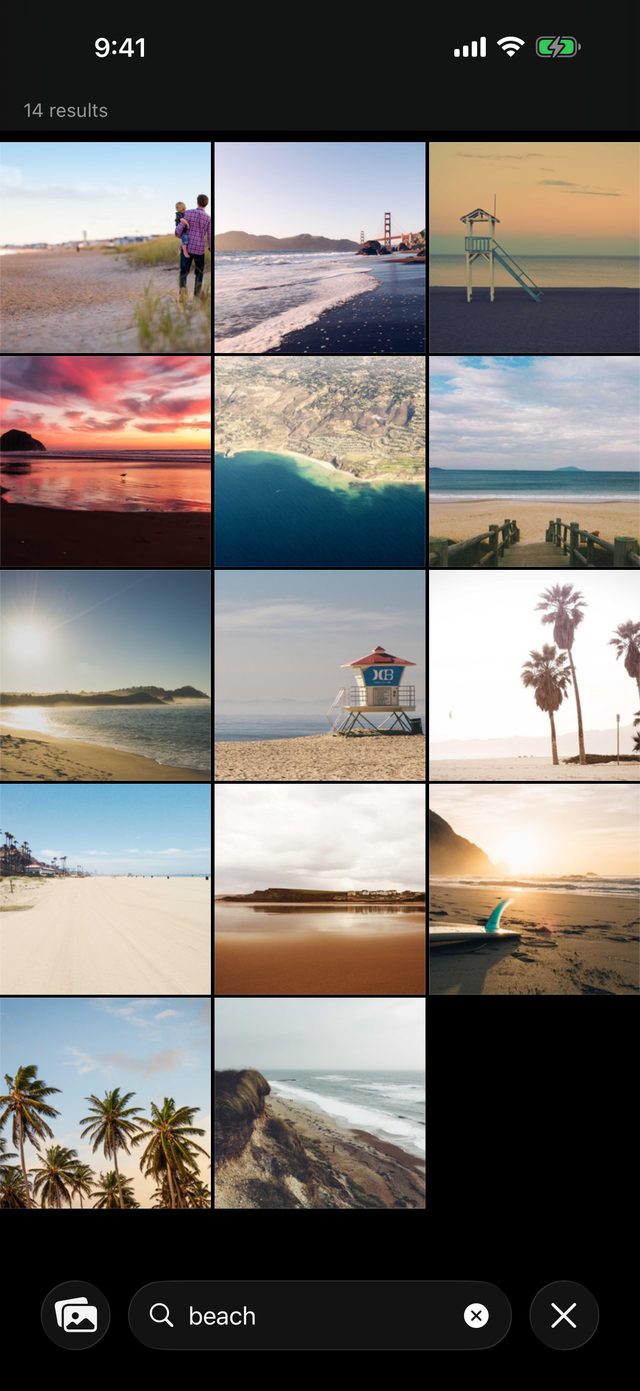
Find any moment
"Beach", "dog", the words on a receipt, the people you've named.
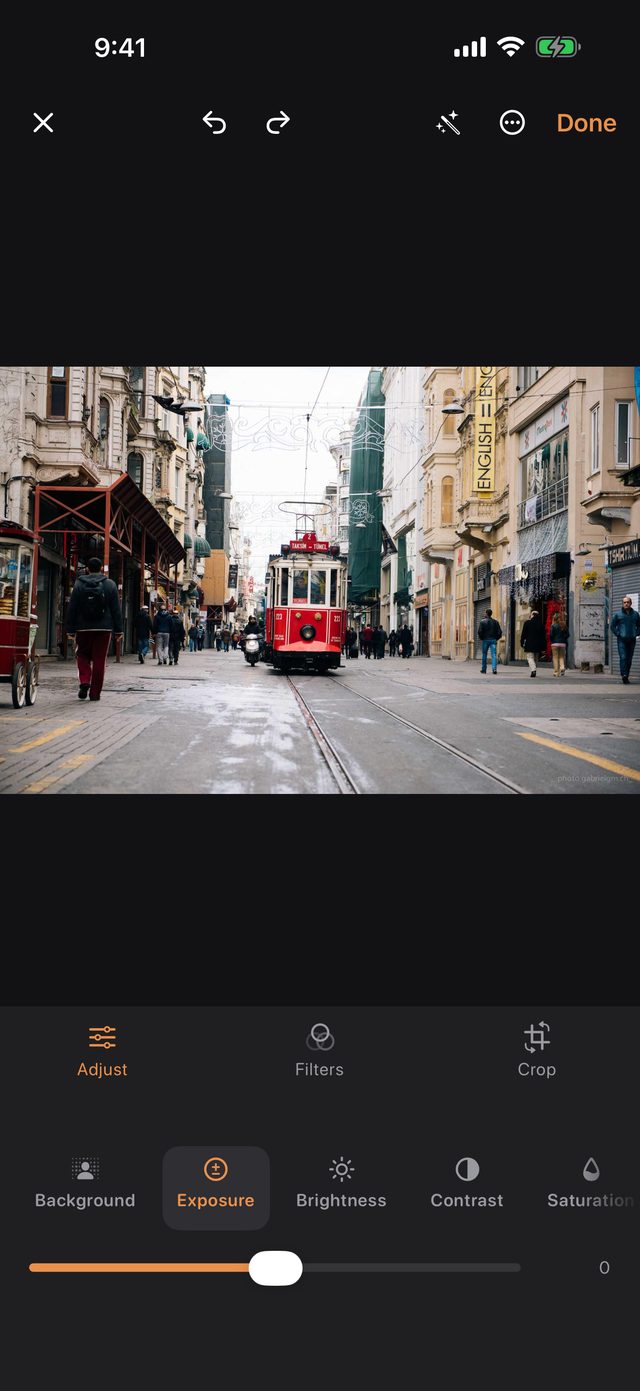
Touch up any photo
Light, color, filters, crop and background blur. Every edit can be undone.
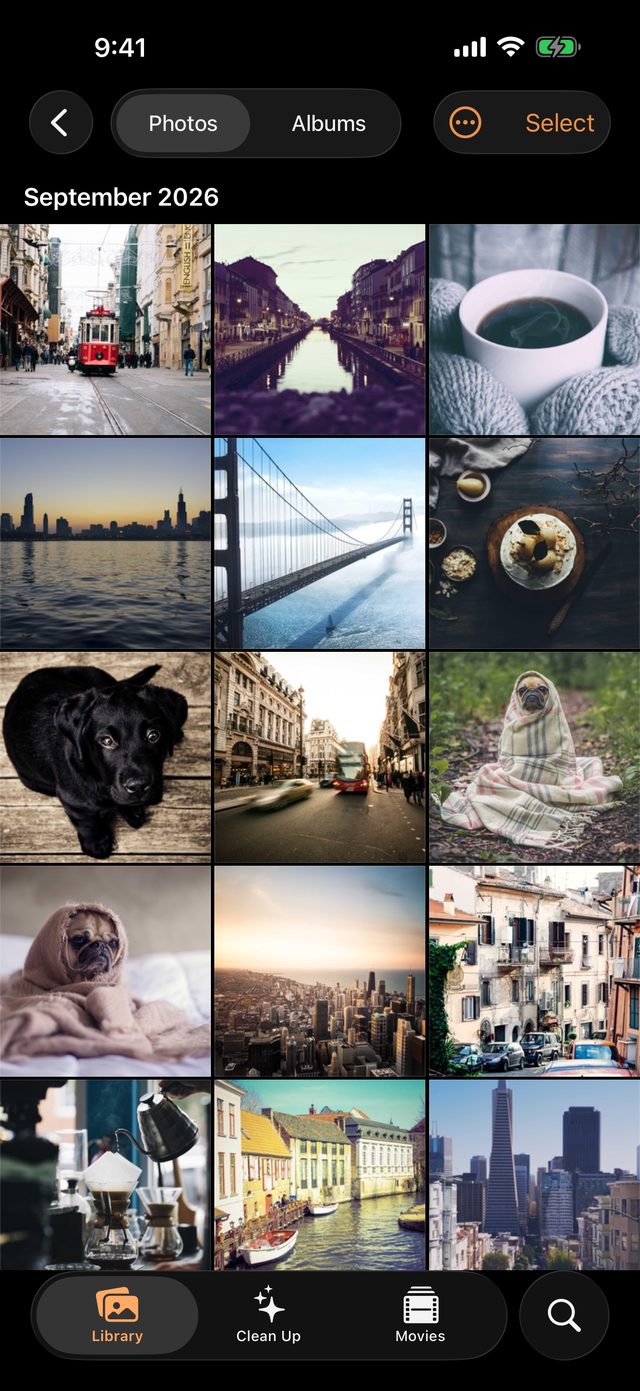
A copy in your Dropbox
Every file checked before anything leaves. Bring it back whenever you want.
Unfold your memories.
Open it and BrownBearAI opens with you: more of your photos at a glance, the best shot side by side, and Keep or Delete beside the photo, never on the fold.
Your memories, seen only by you.
No BrownBearAI server
Photos, faces and search are analyzed on your iPhone. There is no account to make.
Nothing leaves unless you send it
Only photos you choose to back up go anywhere, to your own Dropbox.
Deletes you can undo
Every delete goes through Photos and waits in Recently Deleted for 30 days. Read the privacy policy
Questions
Why is it free?
Your memories shouldn't come with a subscription. There are no in-app purchases, no ads and nothing to sign up for.
Can it delete something I didn't mean to?
Every delete goes through Apple's own Photos confirmation and lands in Recently Deleted for 30 days. Nothing is deleted from your phone after a backup unless you turn that on, and then only photos whose every file has been checked in Dropbox.
Will compressed videos look worse?
On a phone, they look the same to most people. Compress makes a 1080p copy, so a 4K original does lose detail you might see on a big TV. Your original stays until you choose to delete it. Keep the 4K ones you plan to watch on a big screen.
Does it need iCloud Photos?
No. It works with the photos and videos on your phone. With iCloud Photos on, it can fetch small previews to look at photos that are only in iCloud; you turn that on in Settings.
Which devices?
iPhone, iPhone Duo and iPad on iOS 26 or later. Everything works on all of them. On iPhone Duo it uses the whole screen, closed or open, and folding it keeps your place.
Where does the music come from?
Ten soundtracks by Kevin MacLeod (incompetech.com) come with the app, licensed under Creative Commons Attribution 4.0. If you post a movie with one publicly, credit "Music by Kevin MacLeod, CC BY 4.0". You can also use songs you've bought from the iTunes Store and downloaded to your phone. Apple Music streaming songs can't be put in a movie; the app tells you which ones.
Why Dropbox?
It's your account, with your files in plain folders you can open anywhere. BrownBearAI only ever sees its own folder. Other storage providers can follow.
Give your memories
the attention they deserve.
Free for iPhone, iPhone Duo and iPad. Questions or ideas? Email me, every message is read.